
All screens
All 40 screens
Every screen of RackApp, with sample data. Tap one to open it and carry on clicking from there. No registration.
Inspector app
28 screens-
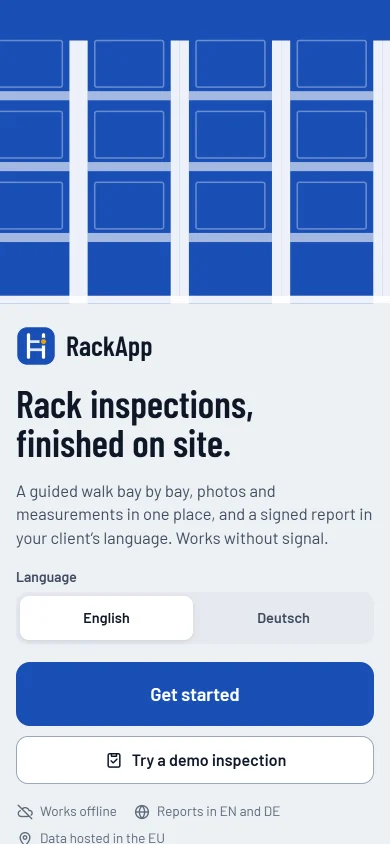 WelcomeChoose a language, sign in, or try a sample inspection without an account.Open it
 -
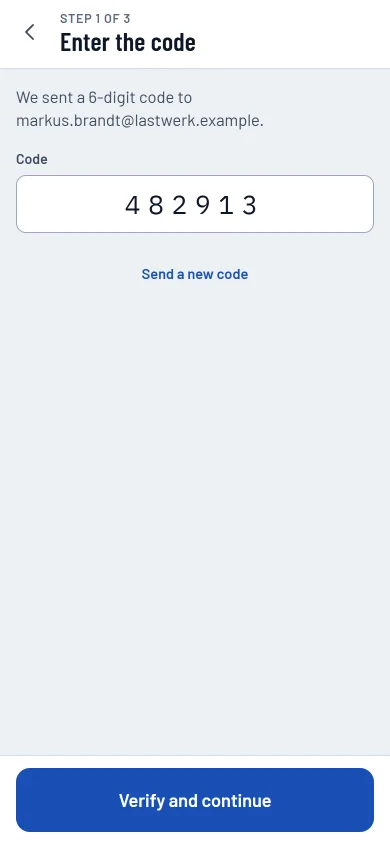 Sign in with an email codeA one-time code instead of a password.Open it
 -
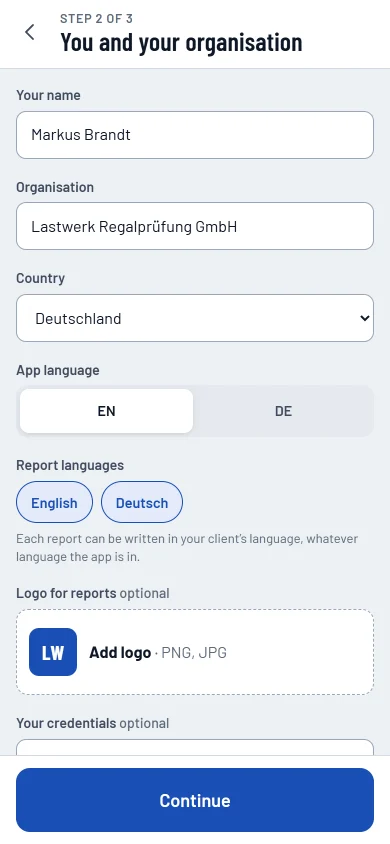 Profile and organisationYour details for the report, plus the app and report languages.Open it
 -
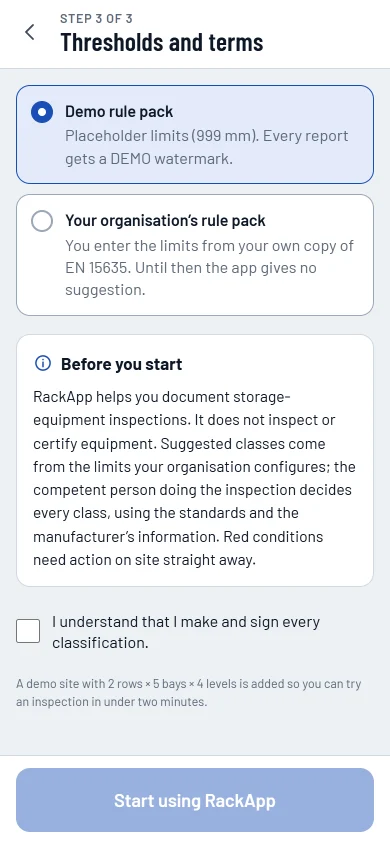 Rule pack and first-run checkPick the sample pack or your own, and confirm how the app is meant to be used.Open it
 -
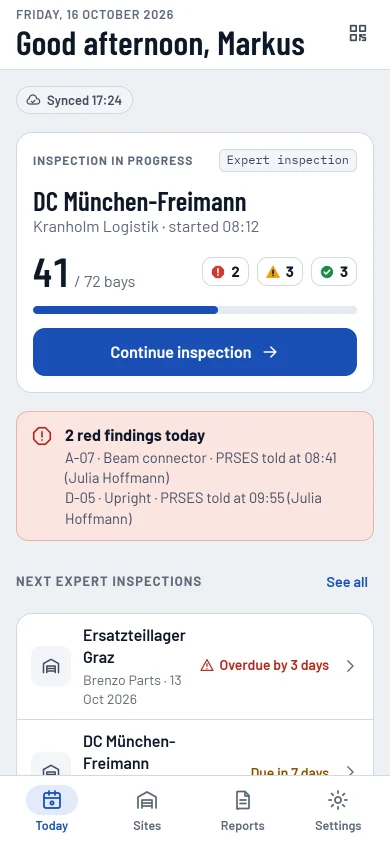 TodayThe inspection in progress, today's red findings and what's due next.Open it
 -
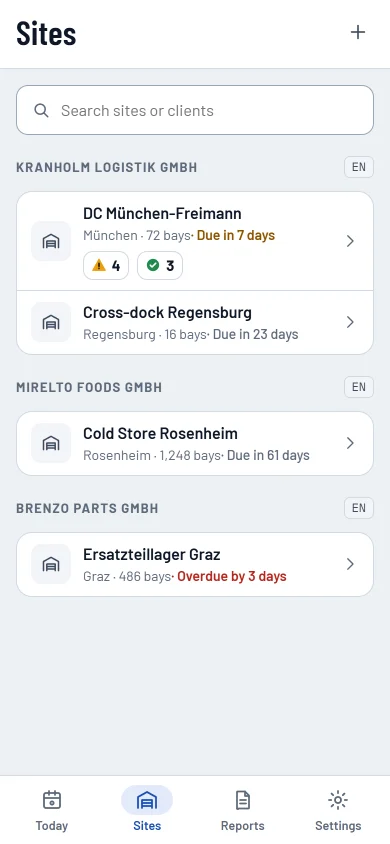 SitesClients and their sites, with due dates and open items.Open it
 -
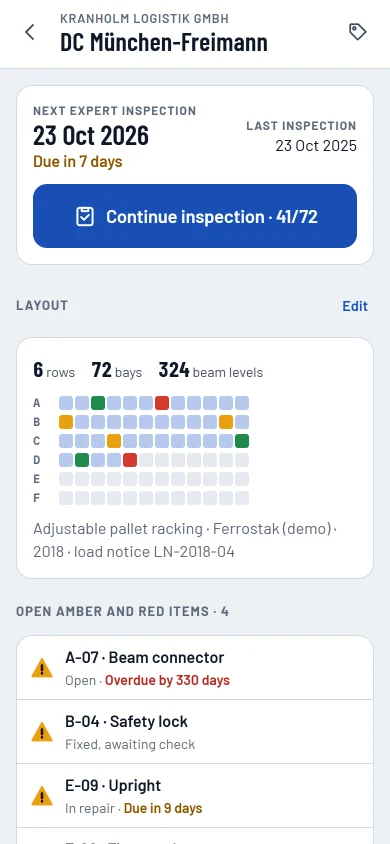 Site detailStatus, the site plan, open items and signed reports.Open it
 -
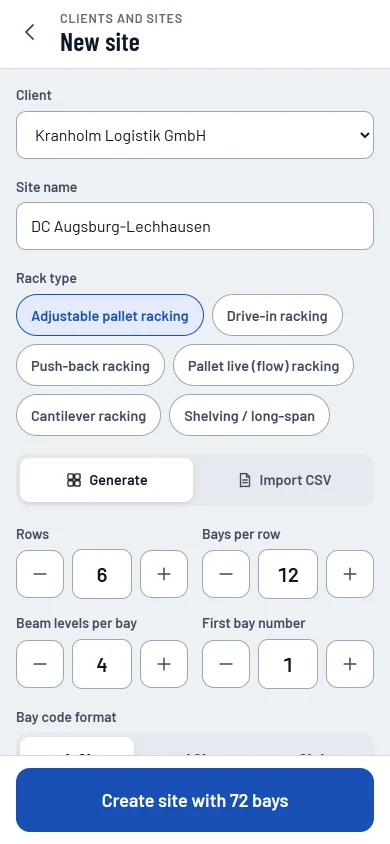 Layout generatorRows, bays and levels in minutes, or a CSV import.Open it
 -
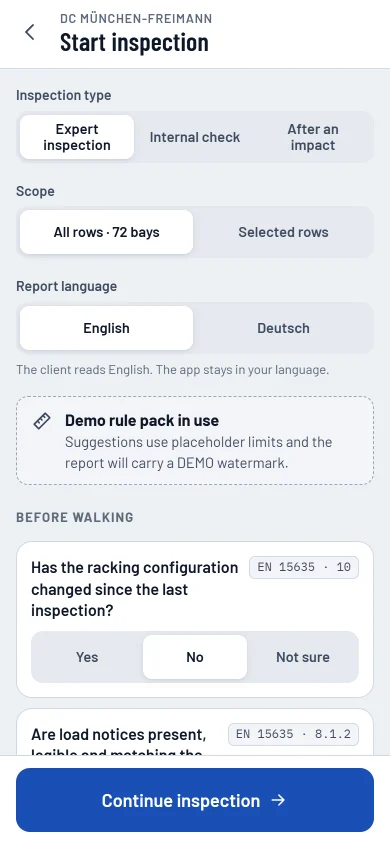 Start inspectionType, scope, report language, rule pack and last year's items.Open it
 -
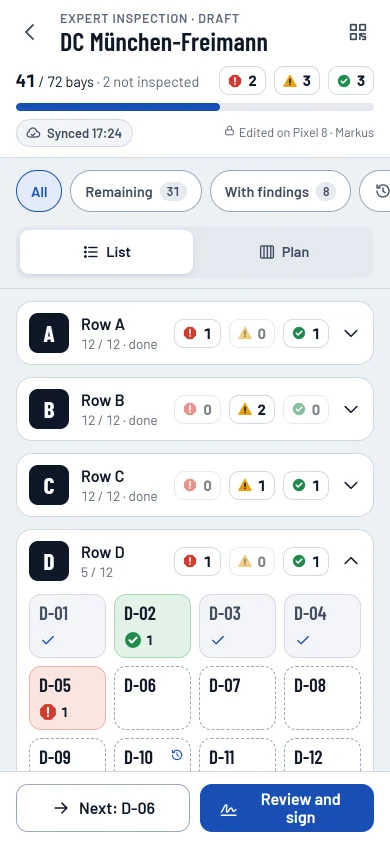 Walk and inspectProgress, counts by class and big bay tiles.Open it
 -
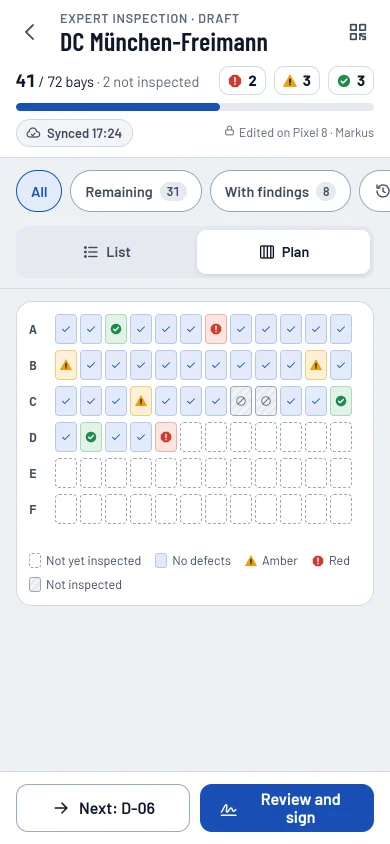 Plan viewThe same bays as a plan, with shapes and a legend.Open it
 -
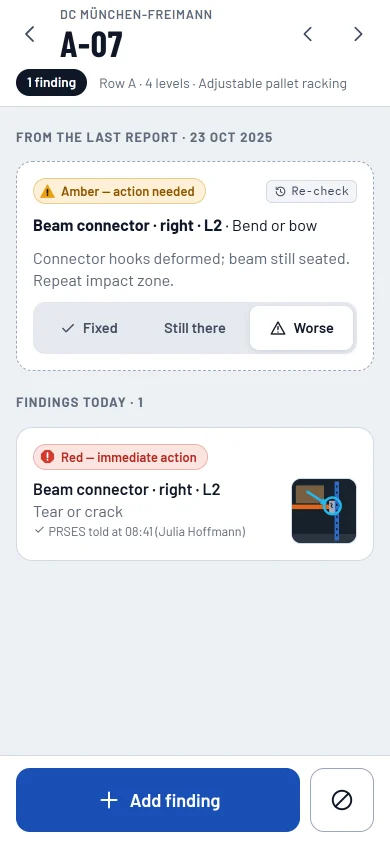 Bay with a re-checkLast year's item on its bay: fixed, still there or worse.Open it
 -
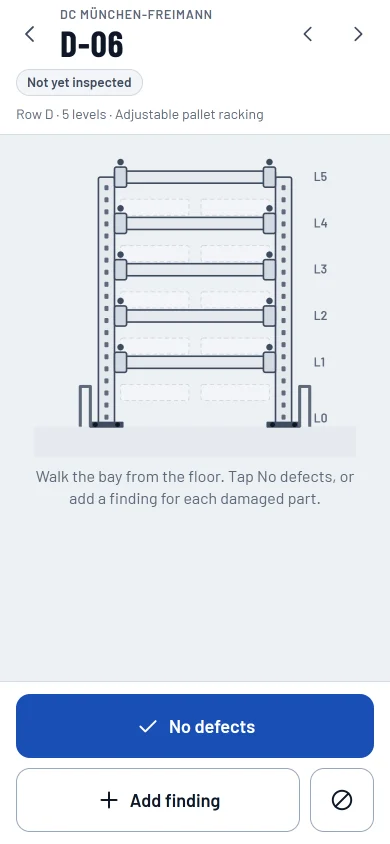 Bay not yet inspectedNo defects in one tap, or add a finding.Open it
 -
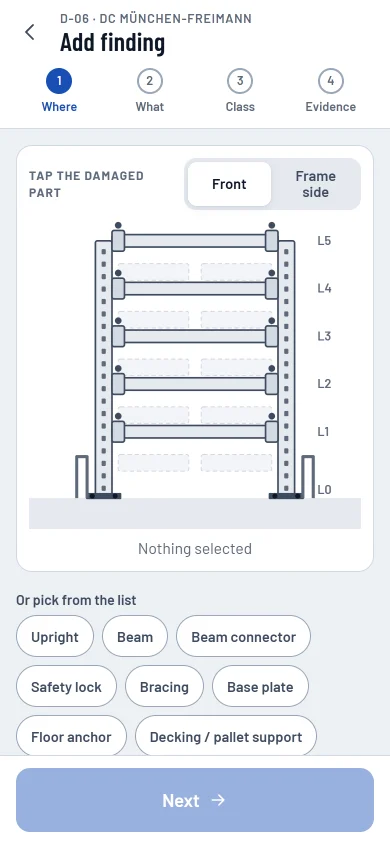 Add finding: whereTap the damaged part on the bay drawing.Open it
 -
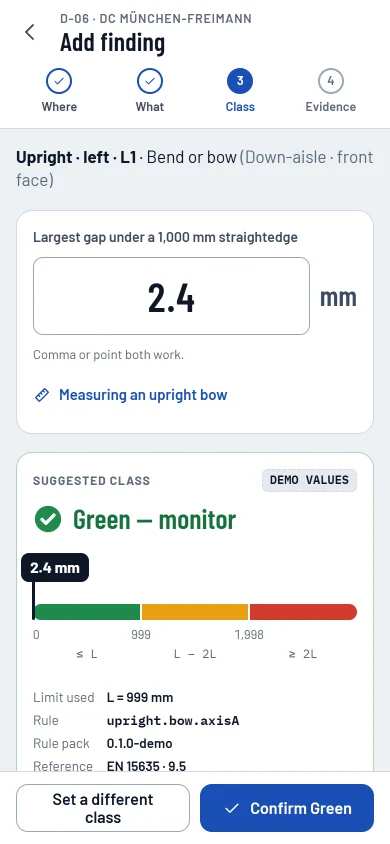 Add finding: measureA suggested class with the limit, rule and pack version.Open it
 -
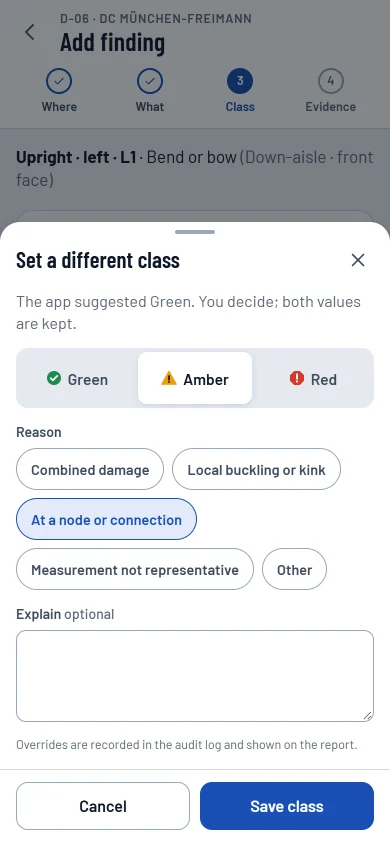 Change the classA different class needs a reason; the report keeps both.Open it
 -
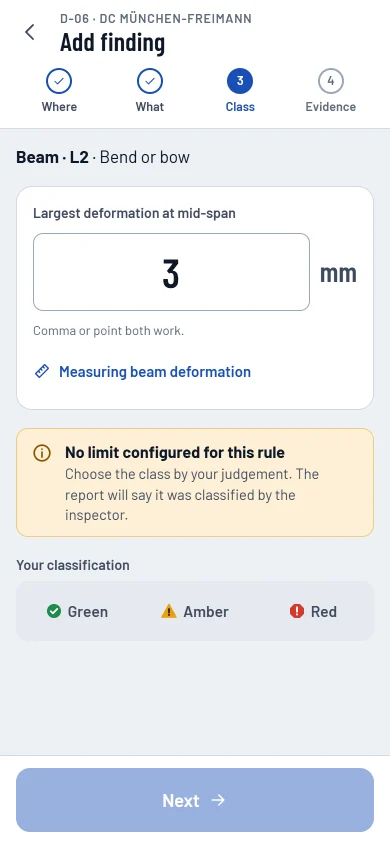 No limit in the packNo suggestion, so the class is the inspector's judgement.Open it
 -
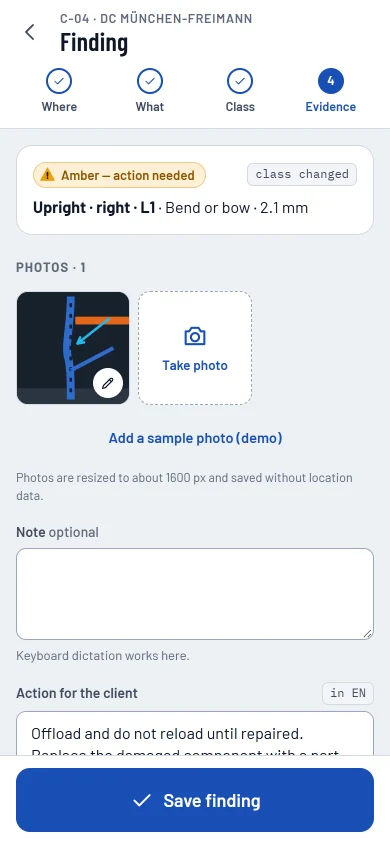 Add finding: evidencePhotos with markings, the action and the due date.Open it
 -
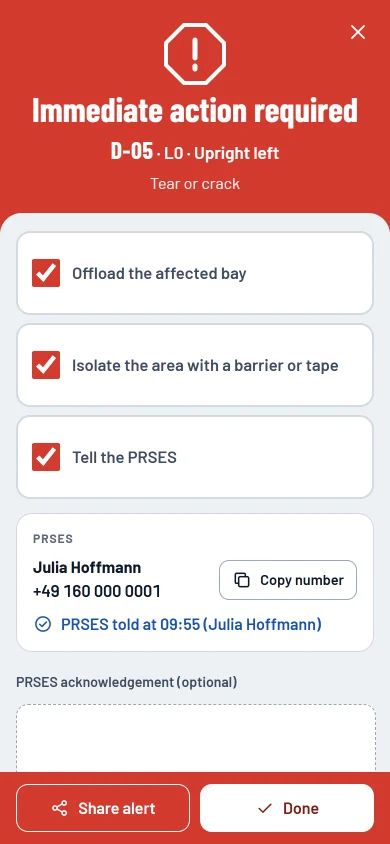 Red finding alertOffload, isolate, inform, and record who was told.Open it
 -
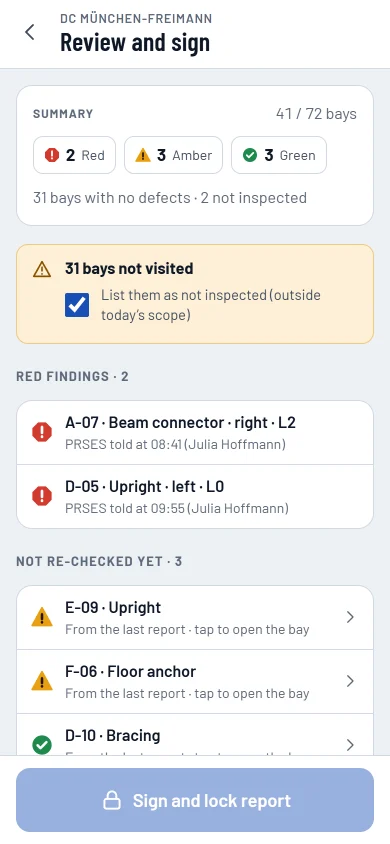 Review and signSummary, scope, next due date and signature.Open it
 -
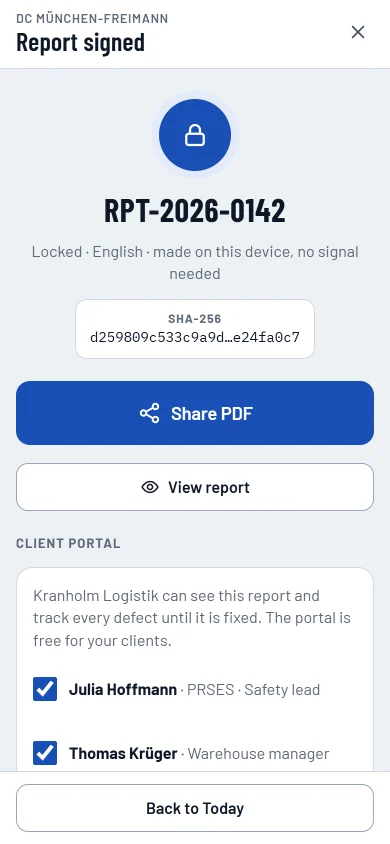 Signed and deliveredFingerprint, share the PDF, invite the client.Open it
 -
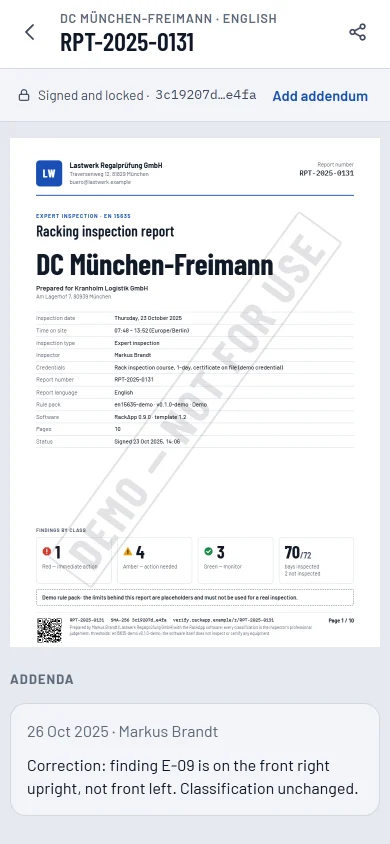 Report on the phoneThe signed report, laid out as in the PDF.Open it
 -
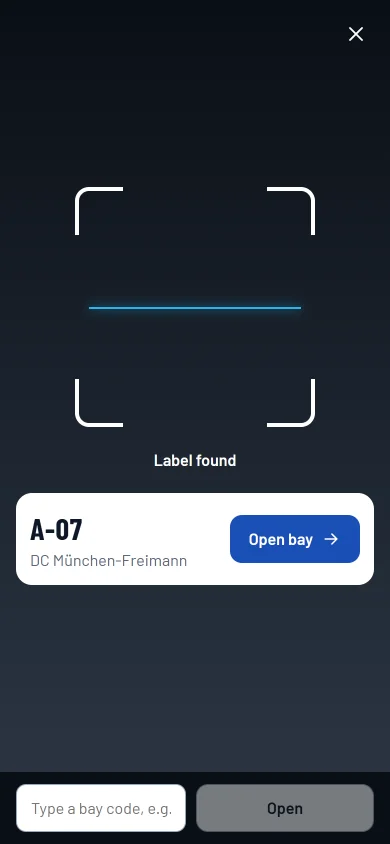 Scan a bay labelScan a QR label to open the bay.Open it
 -
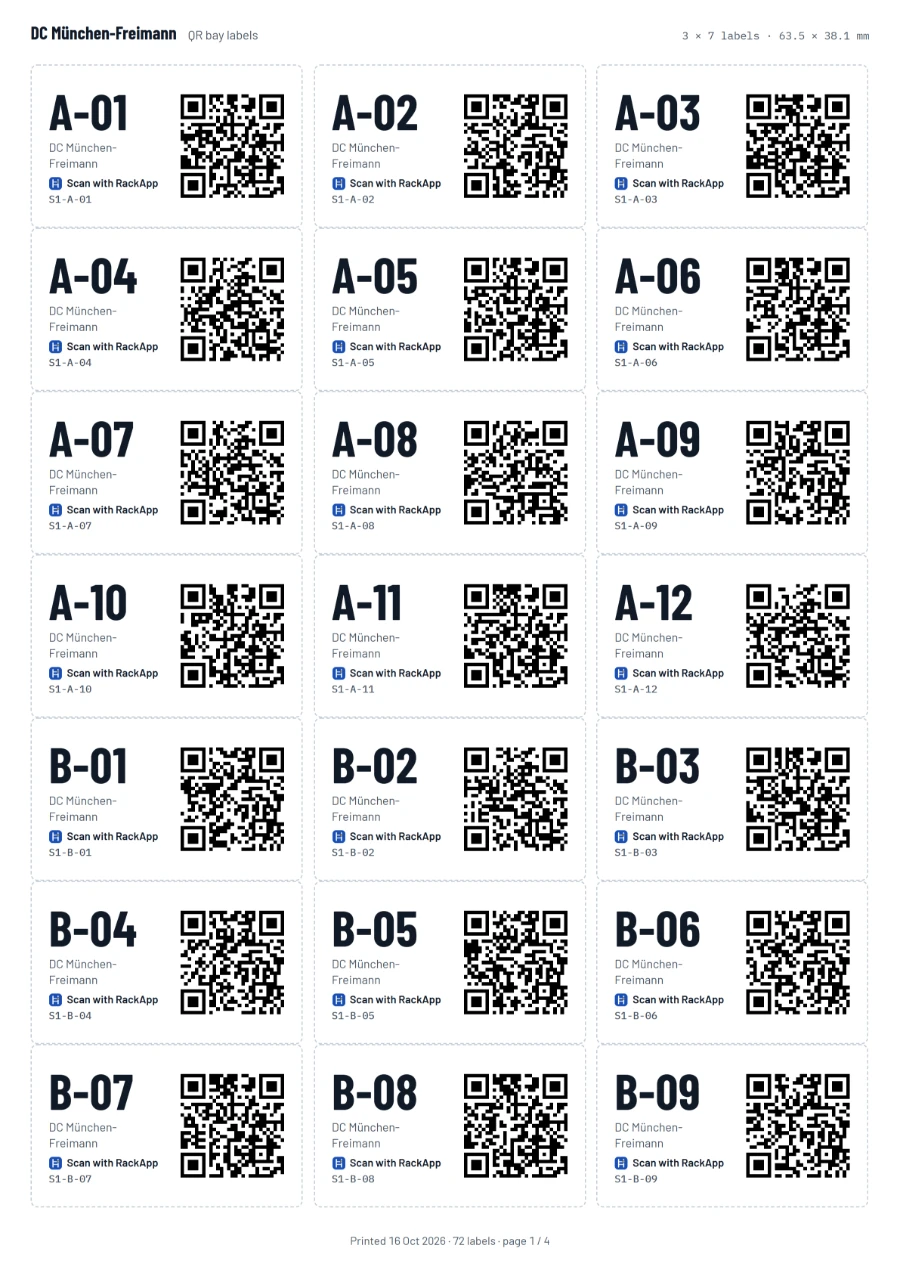
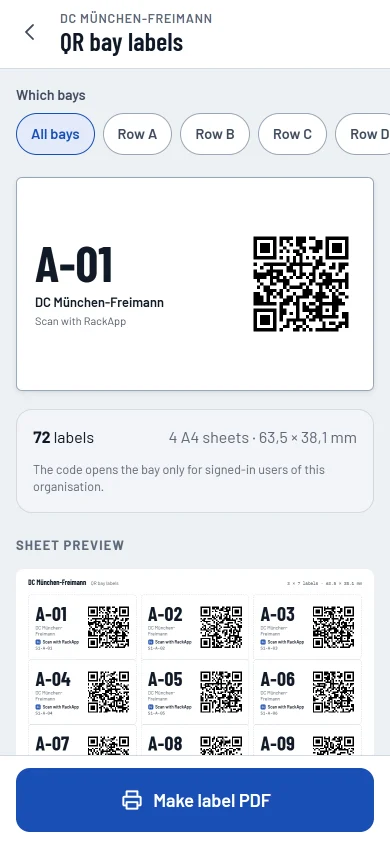 QR labelsLabel sheets for a whole site.Open it
 -
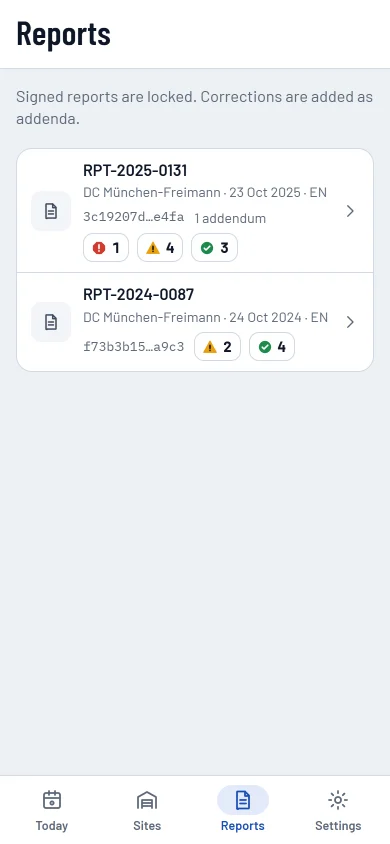 ReportsEvery signed report with its language and fingerprint.Open it
 -
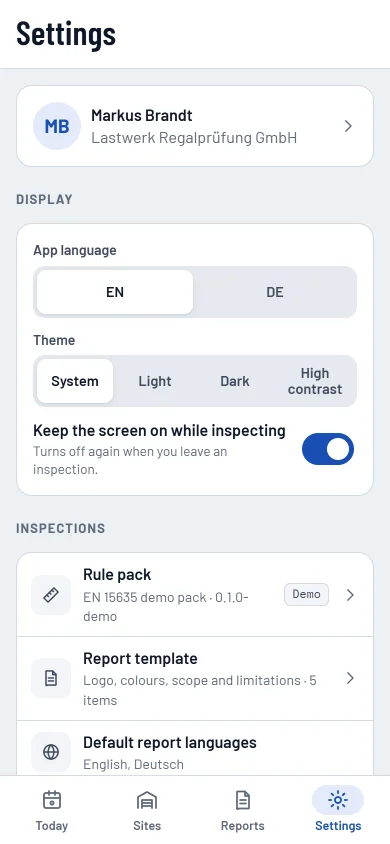 SettingsLanguage, themes, rule packs and privacy.Open it
 -
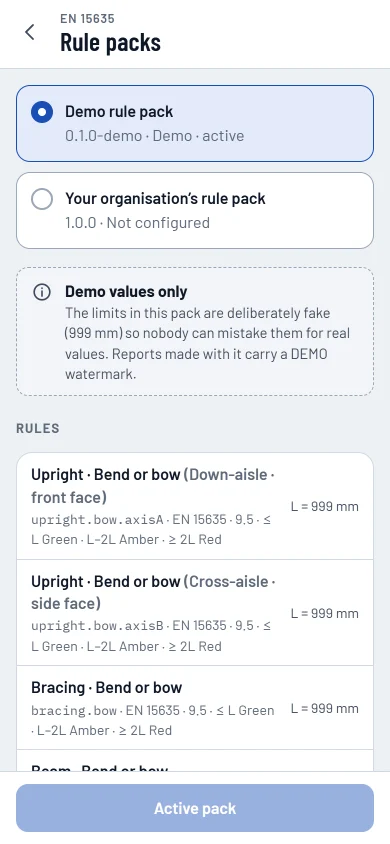 Rule pack: sample valuesThe sample pack, with placeholder limits.Open it
 -
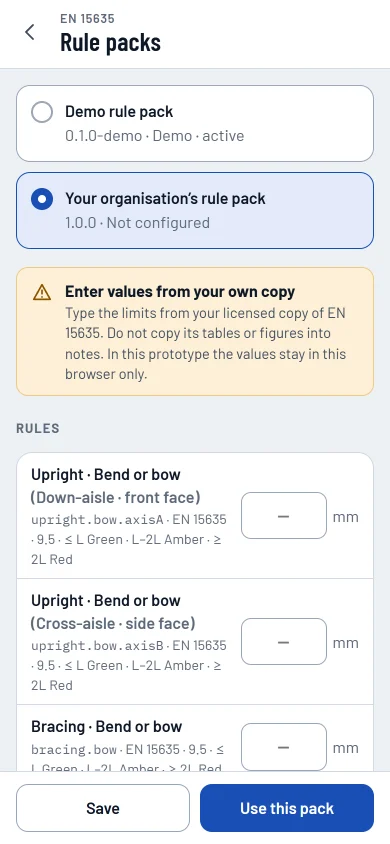 Rule pack: your valuesEnter limits from your own copy of the standard.Open it
Warehouse app
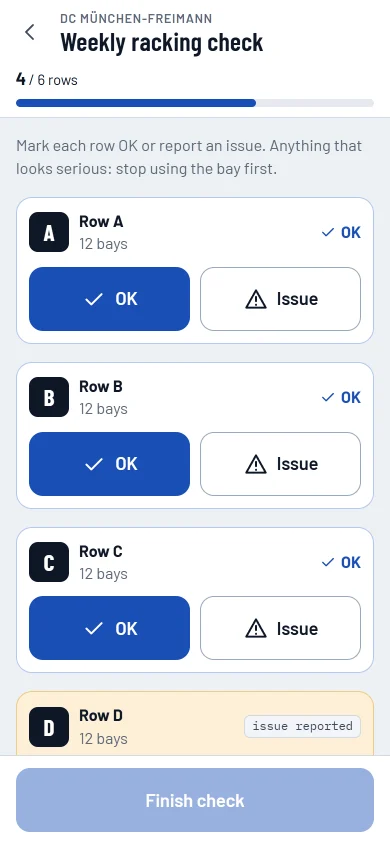
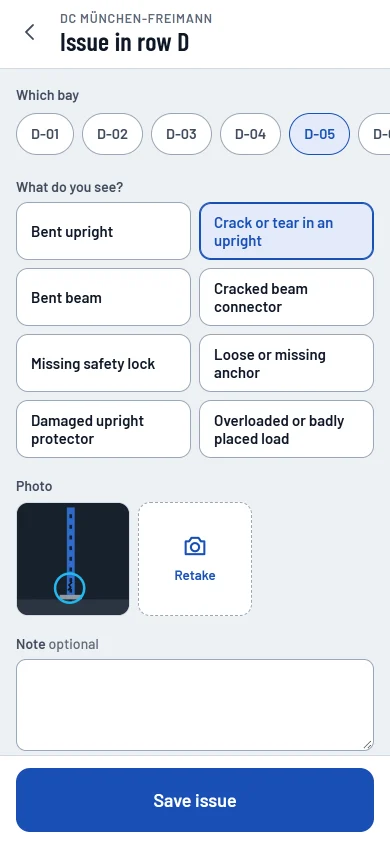
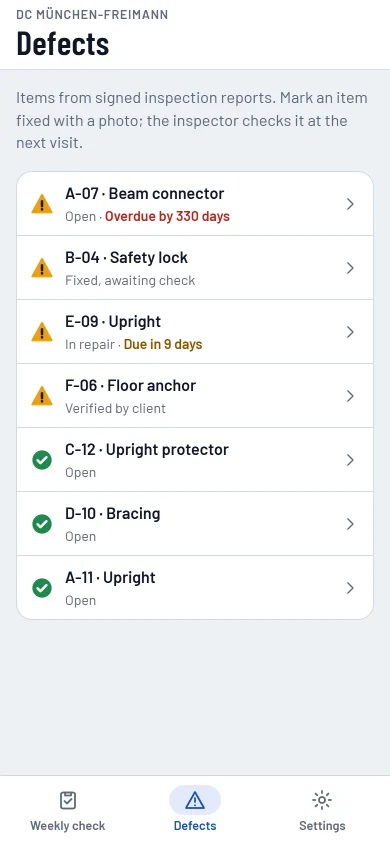
4 screens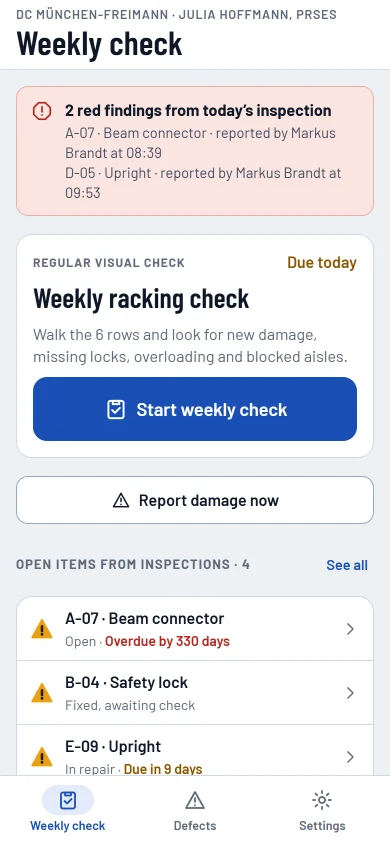
Client portal
5 screens-
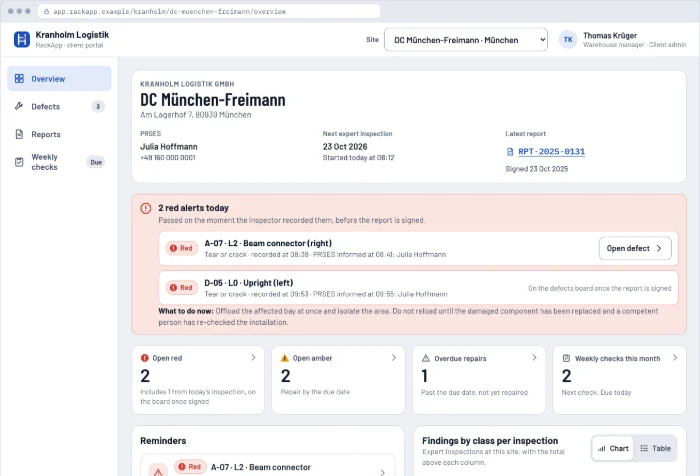 Portal overviewKey figures, red alerts, findings by class and the bays hit most often.Open it
 -
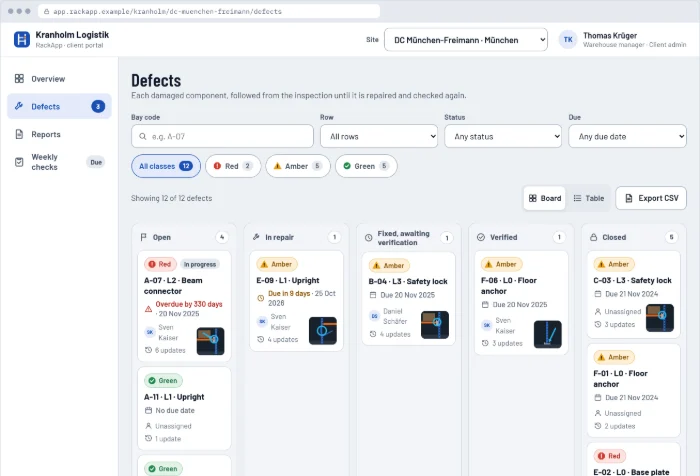 Defects boardEvery defect from finding to closure, as a board or a table.Open it
 -
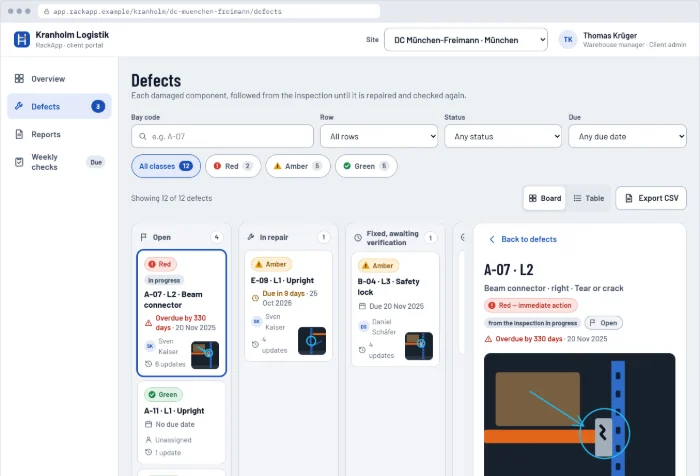 Defect detailPhotos, class history, assignee, status, comments and repair photos.Open it
 -
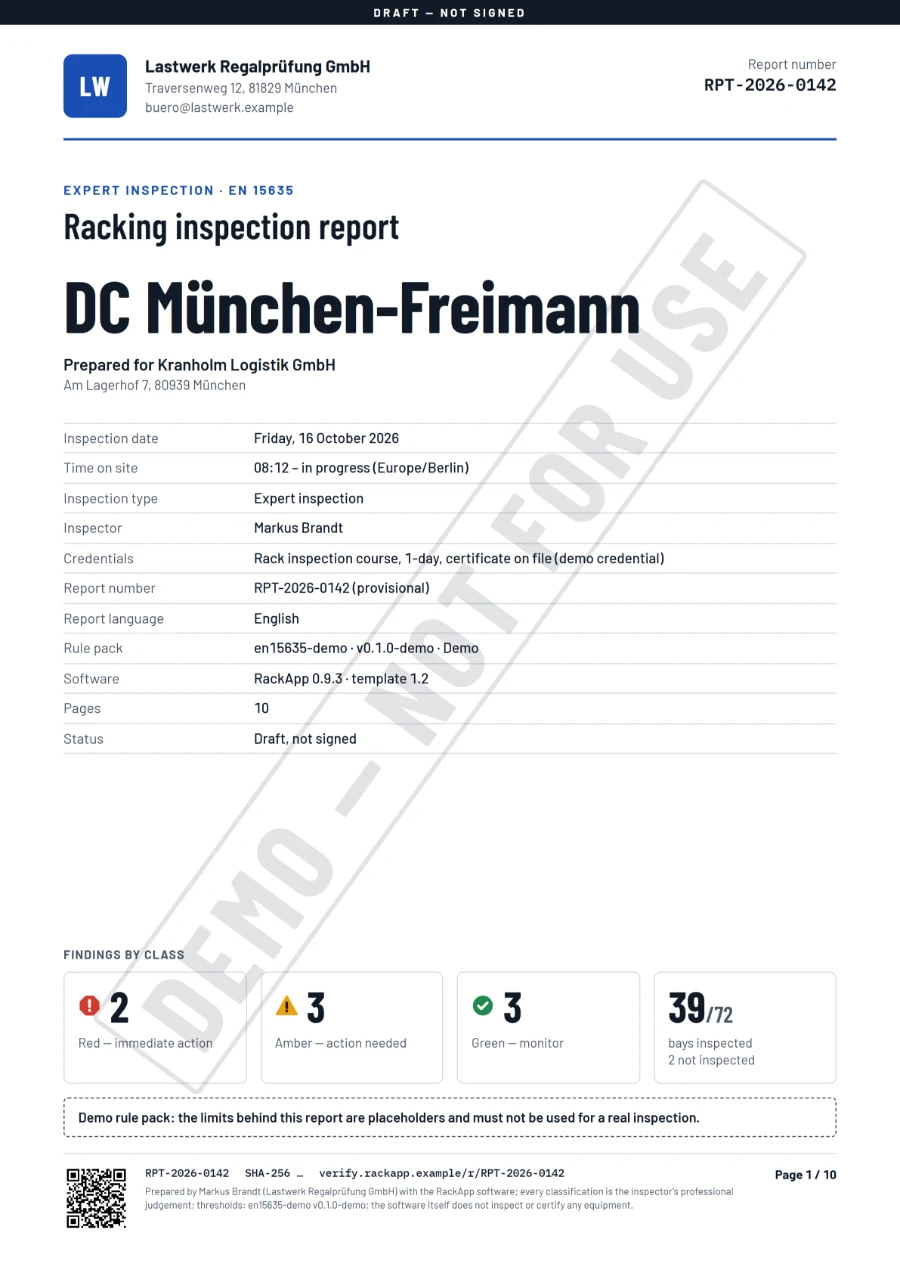
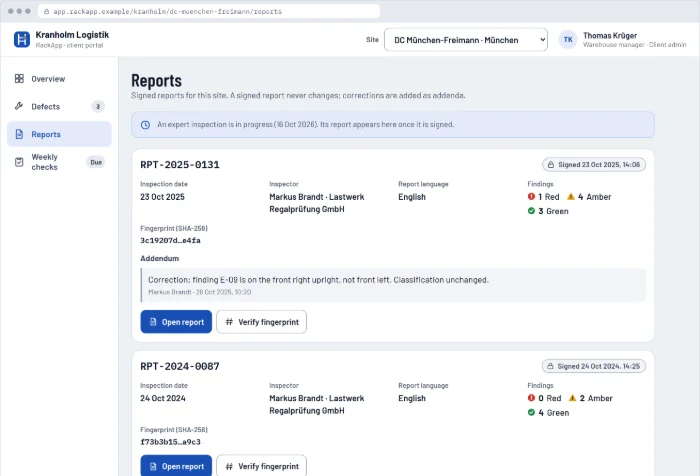 Reports and fingerprint checkSigned reports and addenda, each with a fingerprint check.Open it
 -
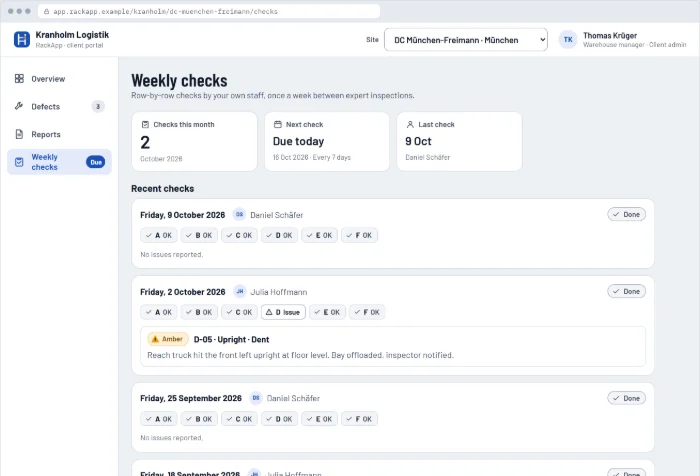 Weekly checksThe checks recorded by the warehouse team.Open it
Documents
3 screens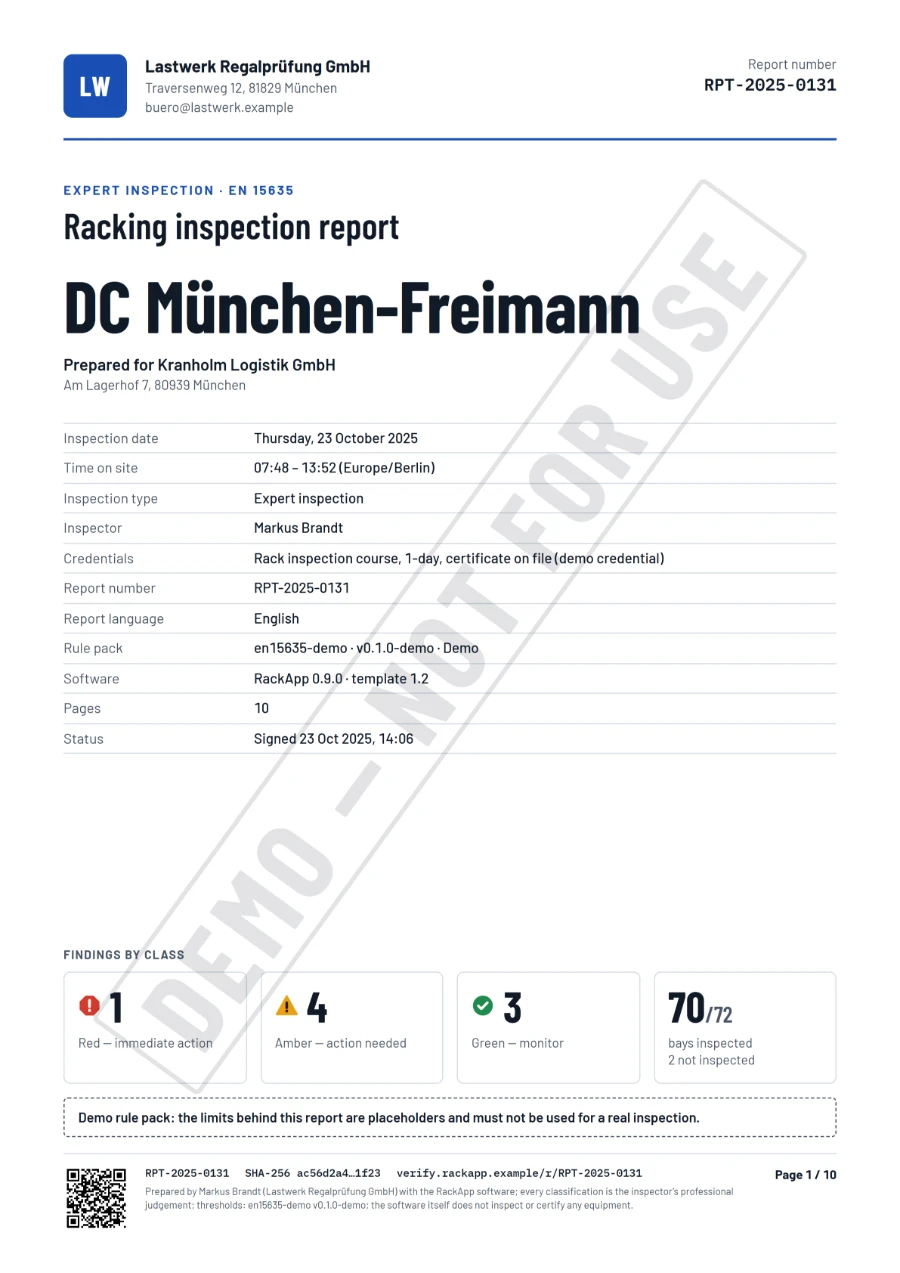
Rather take the guided tour?
Five short tasks take you from today's inspection to the signed report and the client portal, in about three minutes.